Connect Vercel projects to FormsReach
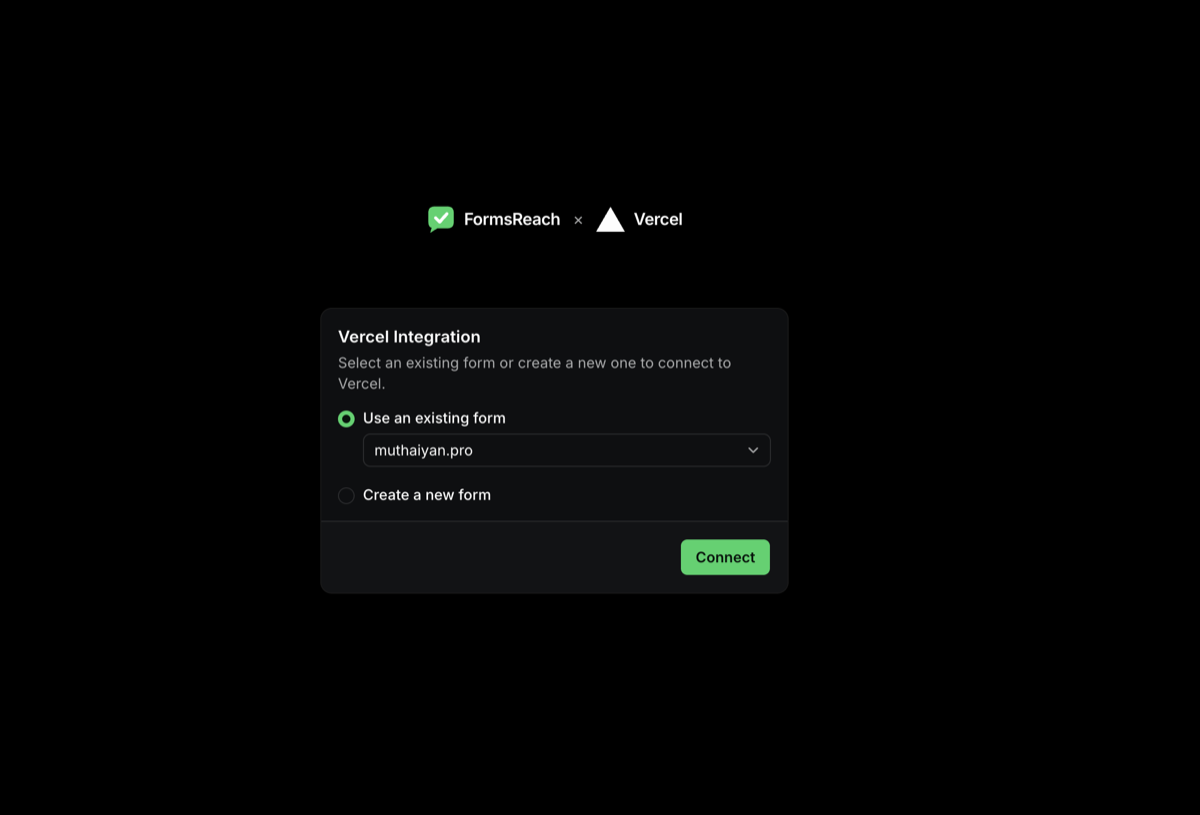
Install FormsReach from the Vercel Marketplace, sign in, and pick a form. We sync the API key on your projects and allowlist their domains so browser submits work without a custom backend.
Marketplace vs manual setup
The Vercel Marketplace connectable account is the guided path for teams that already deploy on Vercel. Install once, link a FormsReach form, and every selected project gets the public form key plus domain allowlisting.
If you are not using the Marketplace, create a form in the FormsReach dashboard, copy the public API key, add it as NEXT_PUBLIC_FORMSREACH_API yourself, allowlist hosts, and follow the Next.js or HTML guides.
- Prefer the Marketplace flow when multiple projects should share one form key and domain list.
- The env value is the form public key, not a developer API key. Do not put private dashboard or service-role secrets in client env.
- Domain merges respect your plan
maxDomainsPerForm cap. If linking fails with a domain limit error, remove unused domains or upgrade the plan, then retry.
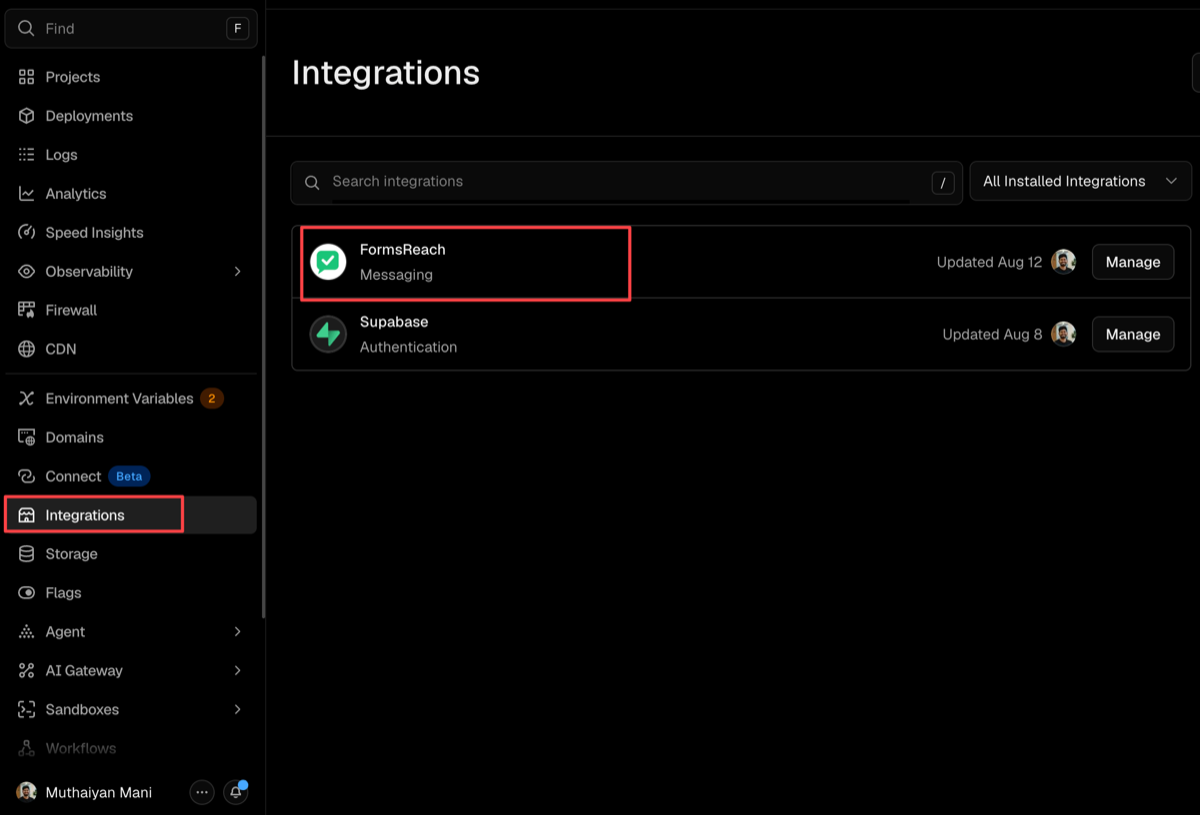
- Uninstalling from Vercel clears the stored connection on FormsReach. Reinstall if you need env push again.
- After connect, enable Channels (email, WhatsApp on Pro and Agency, Telegram, Discord, webhooks, Google Sheets) in the dashboard.
Troubleshooting
- Install lands without configurationId: Start again from the Vercel Marketplace Install button so OAuth returns the configuration id.
- Sign-in loop: Open the connect URL from the same browser where you finish OAuth, and allow cookies for app.formsreach.com.
- Env missing on a project: Confirm the project was included in the installation, redeploy so the new env is available at runtime, and check Project Settings - Environment Variables for
NEXT_PUBLIC_FORMSREACH_API.
- Domain not allowed: Open the form Allowed domains list. Add any custom host that was not verified on Vercel at link time.
- Wrong form key: Link again with the intended form, or rotate/copy the key from FormsReach overview and update the Vercel env manually.
What you get
Monthly credits for submissions and delivery. Scale when volume grows.
Free
500 credits every month for form submissions, email, webhooks, and workflow rules. Spam filtering included. No credit card required.
Starter, Pro & Agency
Larger monthly credit pools (2,000 / 5,000 / 18,000). WhatsApp via Meta Business API unlocks on Pro and Agency. See pricing.
FAQ
Common questions about FormsReach with Vercel.
What does FormsReach write on my Vercel projects?+
A single public env var: NEXT_PUBLIC_FORMSREACH_API, equal to the linked form public API key. It is safe to expose in the browser the same way other form APIs expose keys, because allowed domains still gate submissions.
Do I still need allowed domains?+
Yes. The Marketplace flow merges production domains from the connected Vercel projects automatically. Add extra hosts in the dashboard if you use custom domains that were not on the project yet.
Is this the same as the Next.js integration guide?+
Related but different. The Marketplace path installs env + domains for you. You can still follow the Next.js or React guides to build the form UI with @formsreach/react, using the injected key.
What if I reinstall or need a different form?+
Re-run install from Vercel, or use the dashboard form overview to copy a key manually. A future Configure URL flow will re-link without uninstall. Rotating a form key requires updating env on the projects again.
Free vs paid delivery after connect?+
Email, webhooks, and workflow rules are available on Free and Starter with monthly credits. WhatsApp via Meta WhatsApp Business API is available on Pro and Agency.
Ready to receive form leads?
Create a free API key. Upgrade when you need more monthly credits.